Replace your paper luggage room tickets with texts and wallet passes, speed up your bell desk operations and elevate your guest experience.

Secure coat and bag check-in
Designed to maximise item security and operational efficiency.
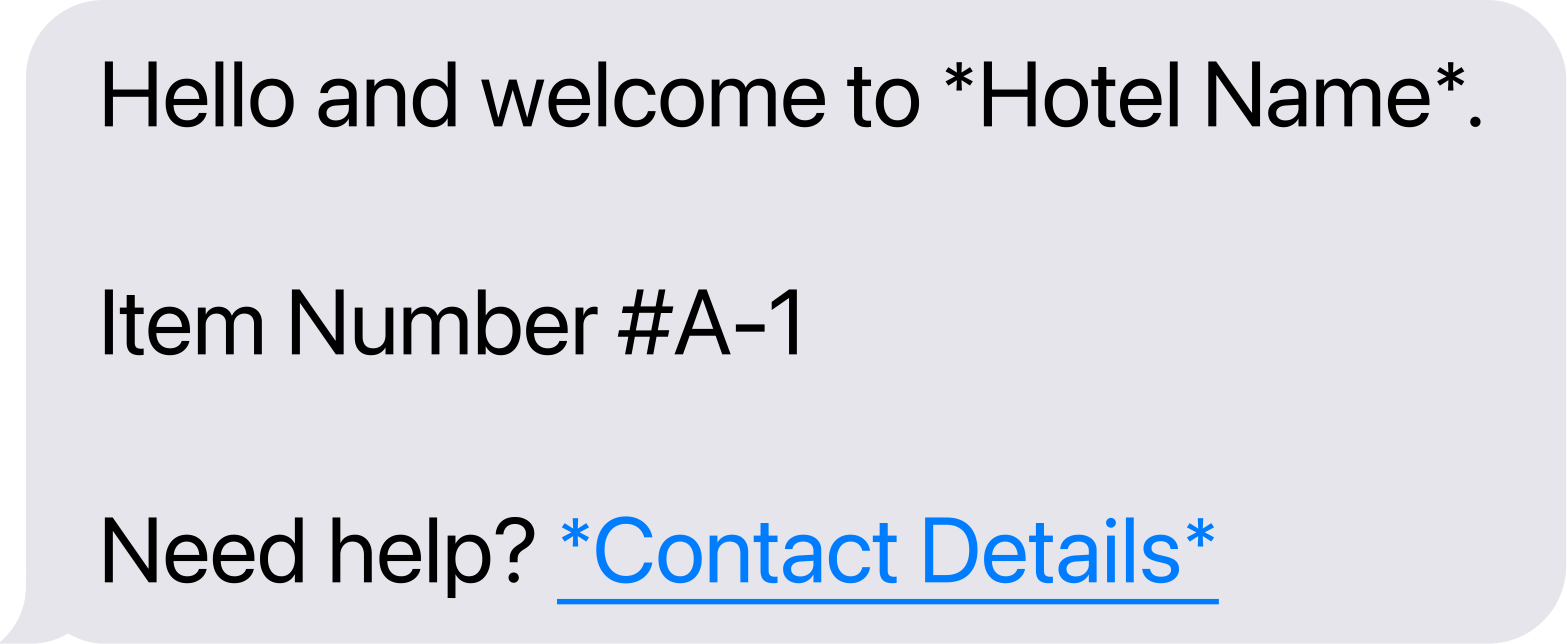
Enter the guest's mobile phone number.

Scan the Neverleft Tag you want to assign to the item.

Take an in-app photo of the item and press "Use Photo".

The guest will receive a text and/or a wallet pass.


To see more
Organised down to the row
Bespoke luggage room layout and organisation
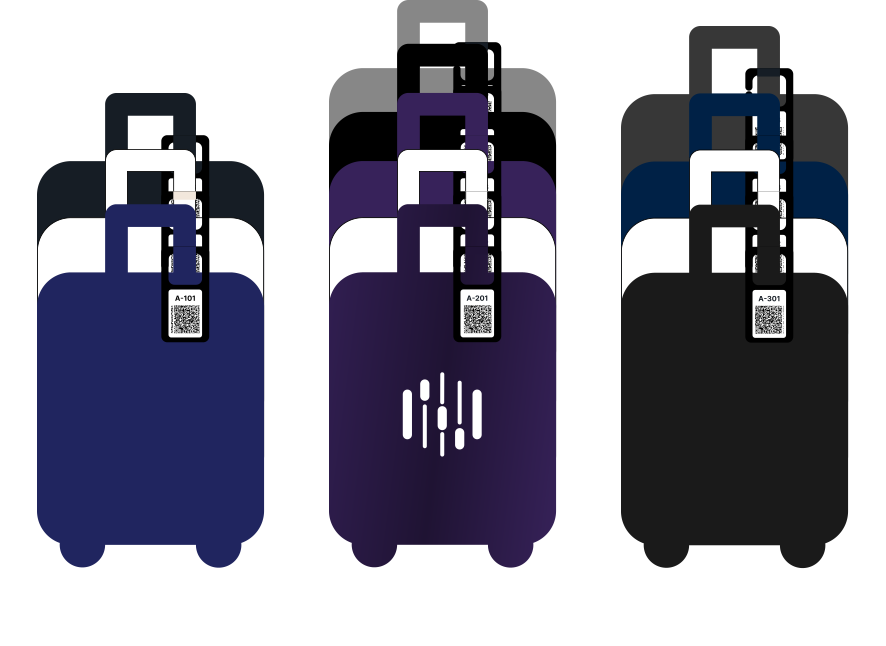
Neverleft's experts help you organise your luggage room into clearly defined alphanumeric sections, so items are easy to store and effortless to find.
Alphanumeric sections
We map your luggage room into clearly defined sections E.g. #A-200 means Room A, Row 200.
Available with large orders
Custom branded reusable tags
Durable, reusable alphanumeric tags branded with your logo.
Luggage Tags
For easy one-handed action. Attach the tag with your left hand, use your device with your right hand.
Customise more on
Speed Check-in
Beat the lobby rush
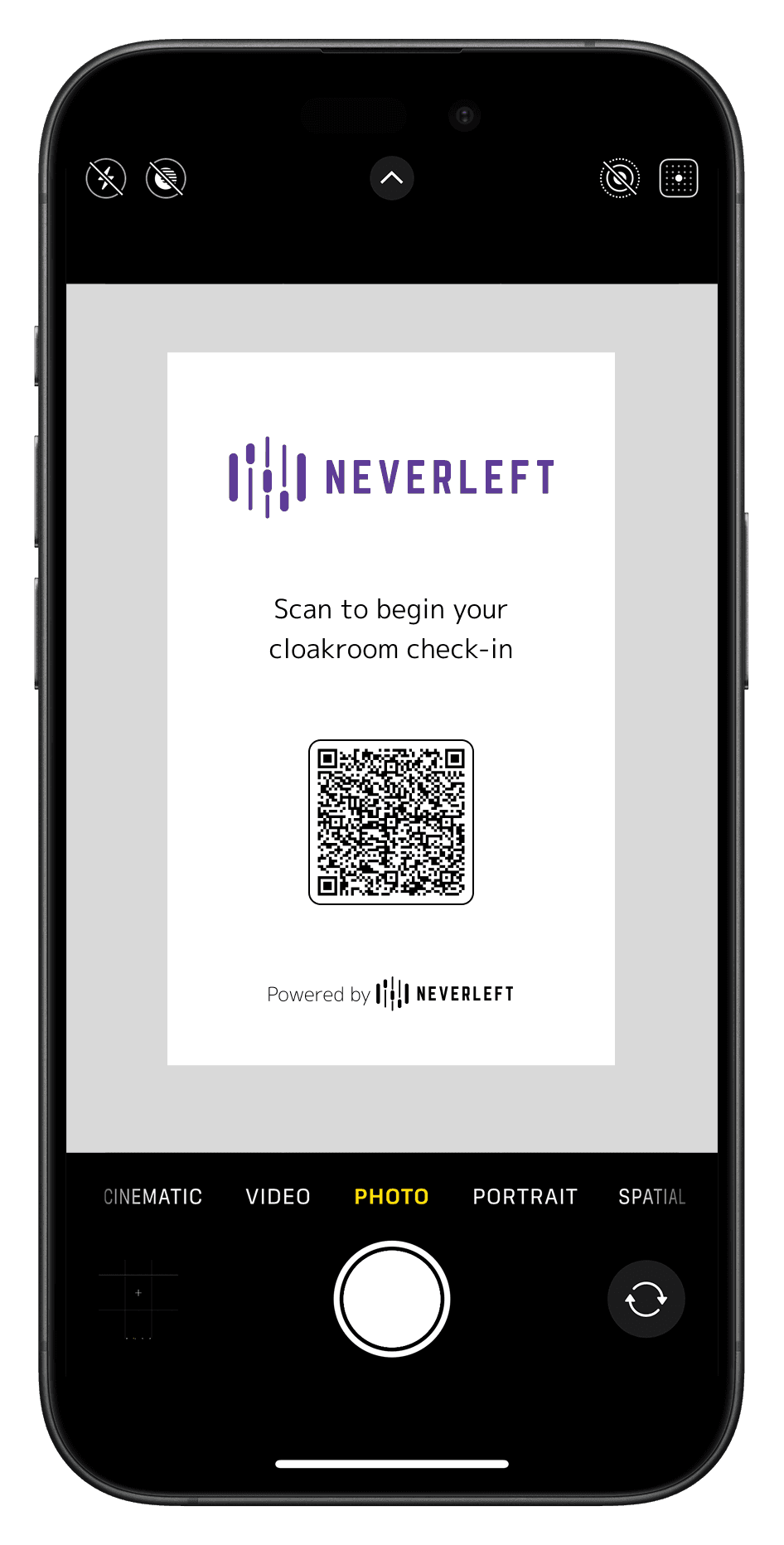
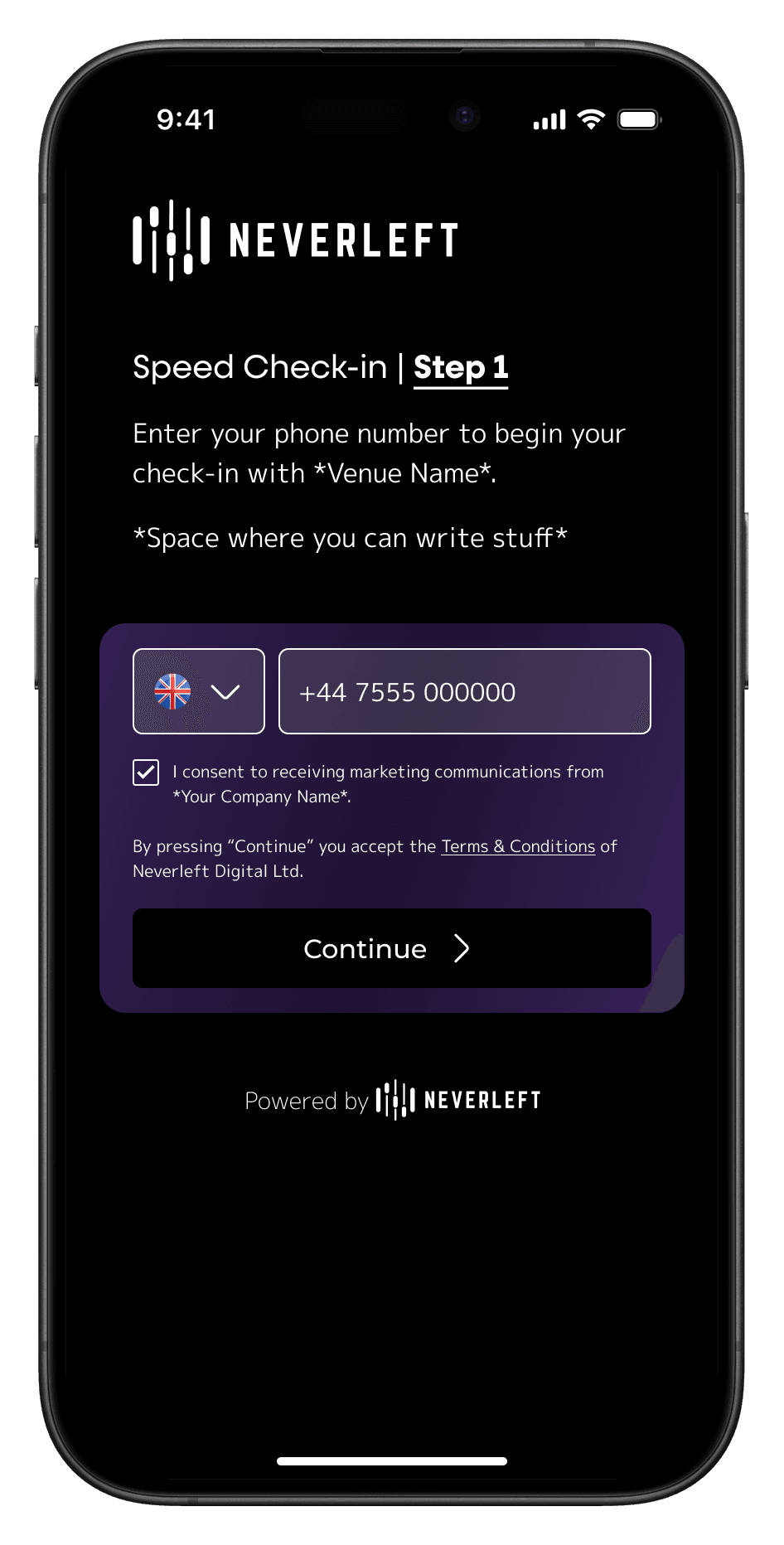
A lobby full of guests waiting to store their luggage used to mean a swamped bell desk. With Speed Check-in, guests enter their number and details on their own phone before they reach your bell staff, so each check-in takes seconds instead of minutes.
How Speed Check-in works
Guests start check-in from the queue on their own phone; staff finish it in one scan. Hover any step to see it in action.

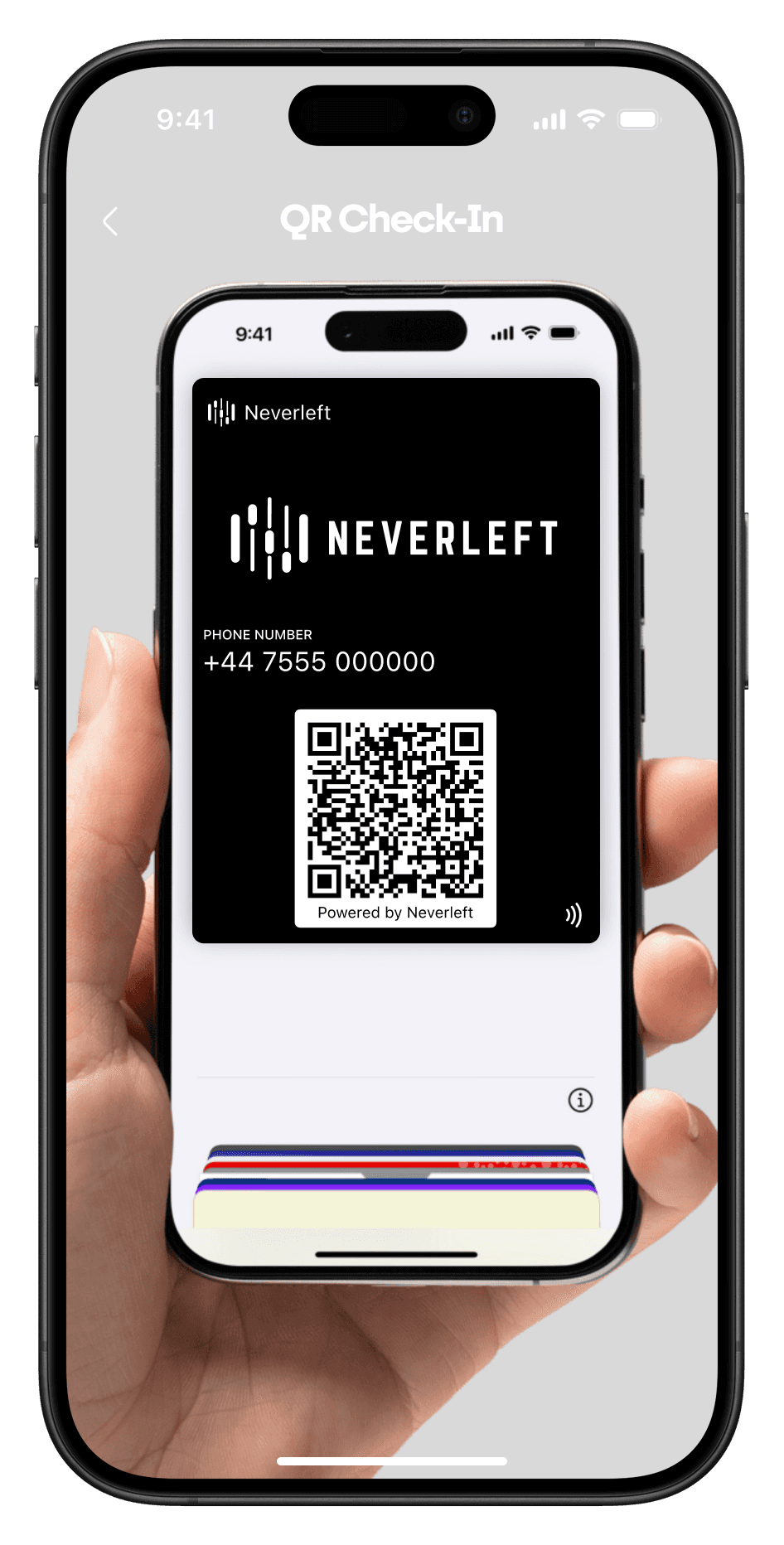


Speed Check-out
Luggage retrieval, started by a tap
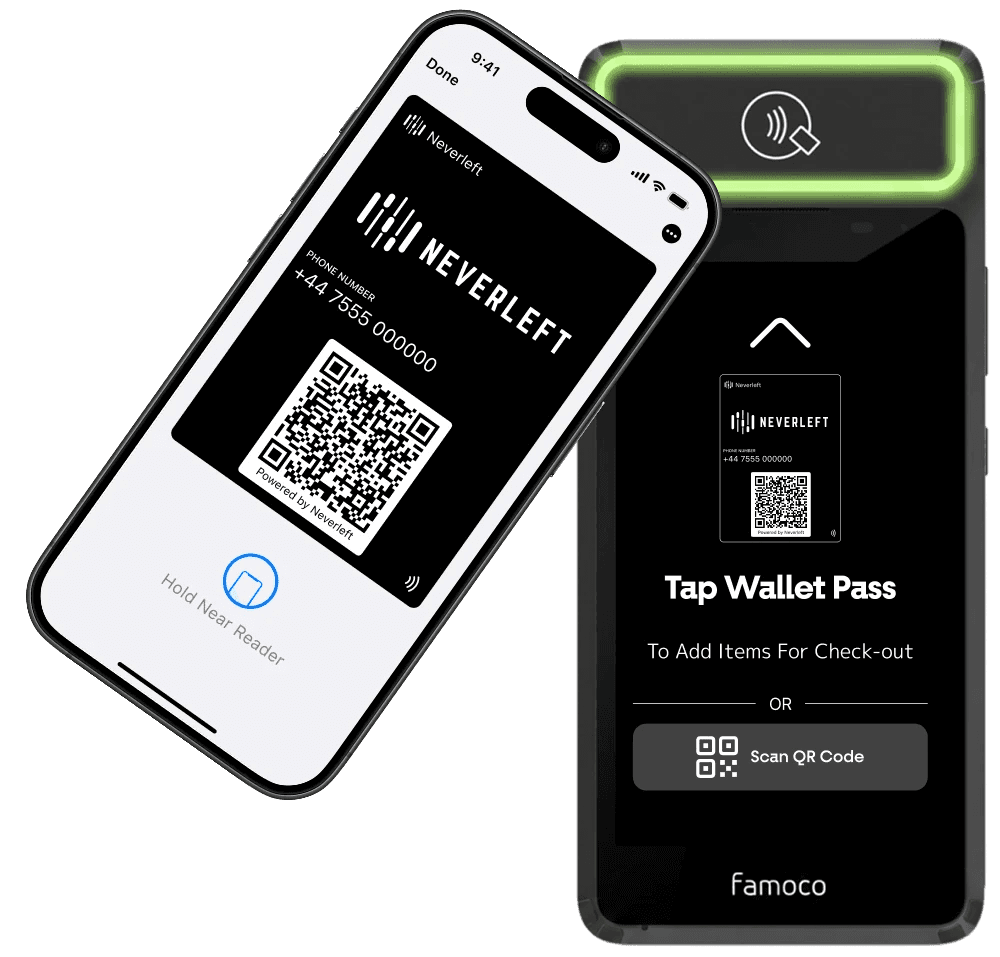
Guests tap their wallet pass on the Speed Check-out device and your bell staff know straight away whose luggage to retrieve. No paper tickets to collect, no tracking down a staff member.
Step 1
Guests tap their wallet pass
When they're ready to leave, guests tap their wallet pass on the Speed Check-out device. No need to go and find a member of staff.
Step 2
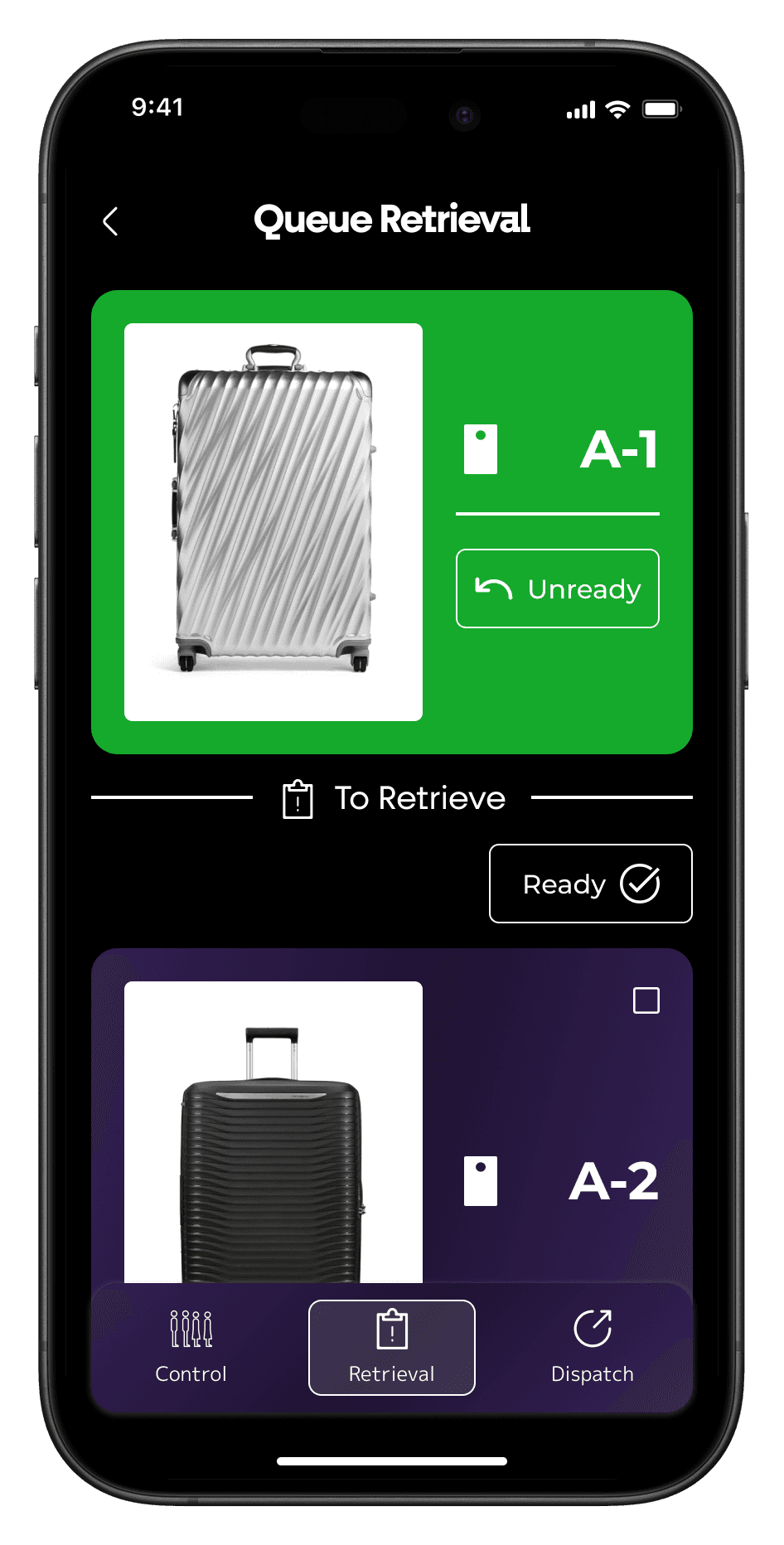
Bell staff are notified instantly
The tap sends a notification straight to your bell staff's phones, telling them exactly which guest's luggage to retrieve and where it is stored.

Step 3
Luggage comes to the guest
Staff bring the bags straight over, with no claim tickets to collect and check. During peak times retrievals stay organised and your team keeps up the pace.
Grow your marketing list with guest contact details
Convert your luggage room from a cost centre into a valuable source of guest insights for marketing.
Collect guest mobile numbers and more
Make the most out of your luggage room by capturing valuable guest information upon check-in.

Send custom promotional texts via SMS & WhatsApp
Email marketing is outdated and people don't pay attention to it anymore. Switch over to text message marketing and increase your brand visibility.

Data-Driven Decisions
Understand and run your hotel better through data
Convert your luggage room into a valuable data collection point, with every metric sorted into clear areas so you always know how your service is performing and exactly where to act.
Know your peak times accurately
See when guests drop off and collect their luggage by date, hour and 15-minute intervals, so your bell desk is never understaffed or overstaffed.
Catch operational issues early
Items forgotten, lost, found and disputed, tracked by date. Catch friction early and keep your service quality high.
Track luggage room usage and revenue
Monitor how many items are stored in your luggage room at all times and exactly what it earns after processing fees, across any date range.
Know your guests better
Gender split, new vs returning guests, and a full guest report you can export to CSV or email to yourself in one click.
Keep track of item retention
See how long guests' luggage stays in storage, from the moment it is checked in to the moment it is picked up, measured anonymously and grouped by any time interval you choose.
Every item logged and organised
Item Logs
Keep track of all checked-in items with photos, time stampts, and their status.

Stored
All items that have been checked in by guests and are still in storage.


Checked-out
All items that have been collected by their owners.

Forgotten
Items that guests forgot to collect and staff have marked as forgotten.


Lost
All items lost in the luggage room. A rare occasion when using Neverleft.

Found
All found items that were previously marked as lost by staff members.

To see more
Sent via WhatsApp or SMS
Additional message notifications
Fully customisable to your brand needs. Alert guests the moment an item is forgotten, lost or found with a single press.
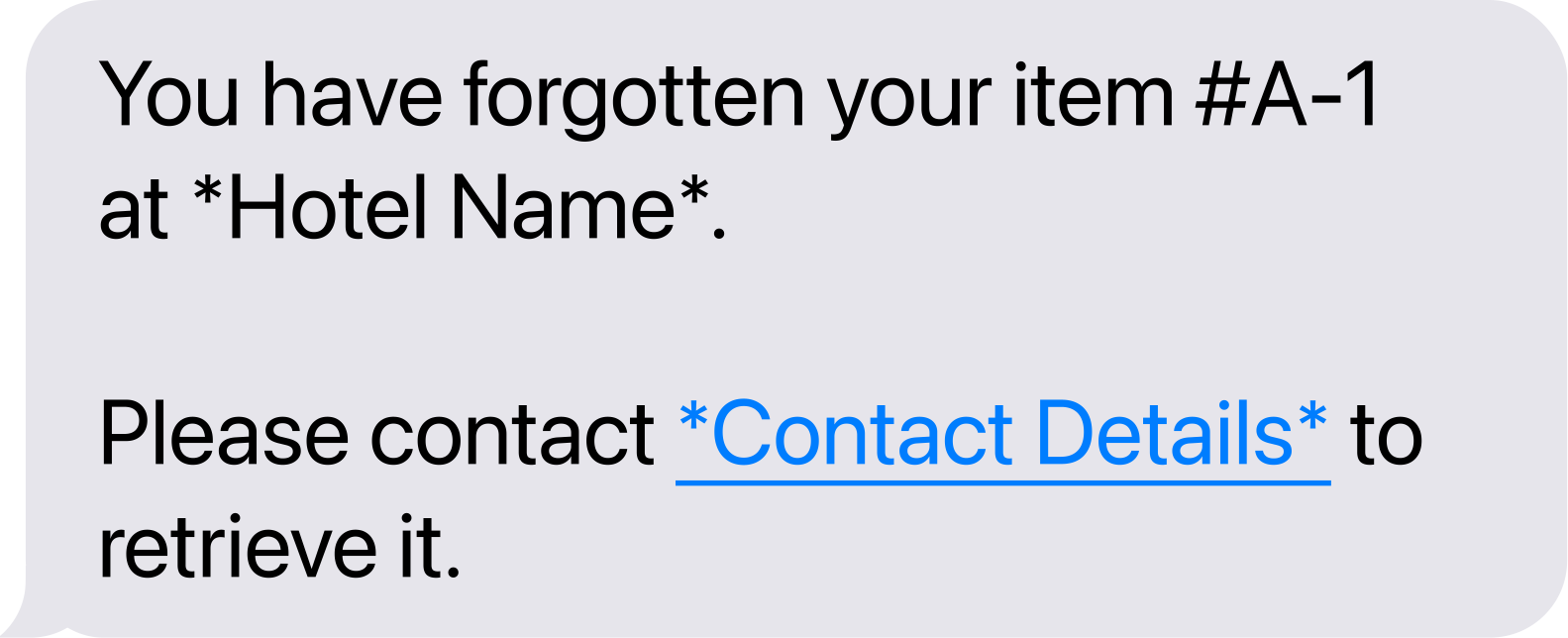
Forgotten Items

Lost Items
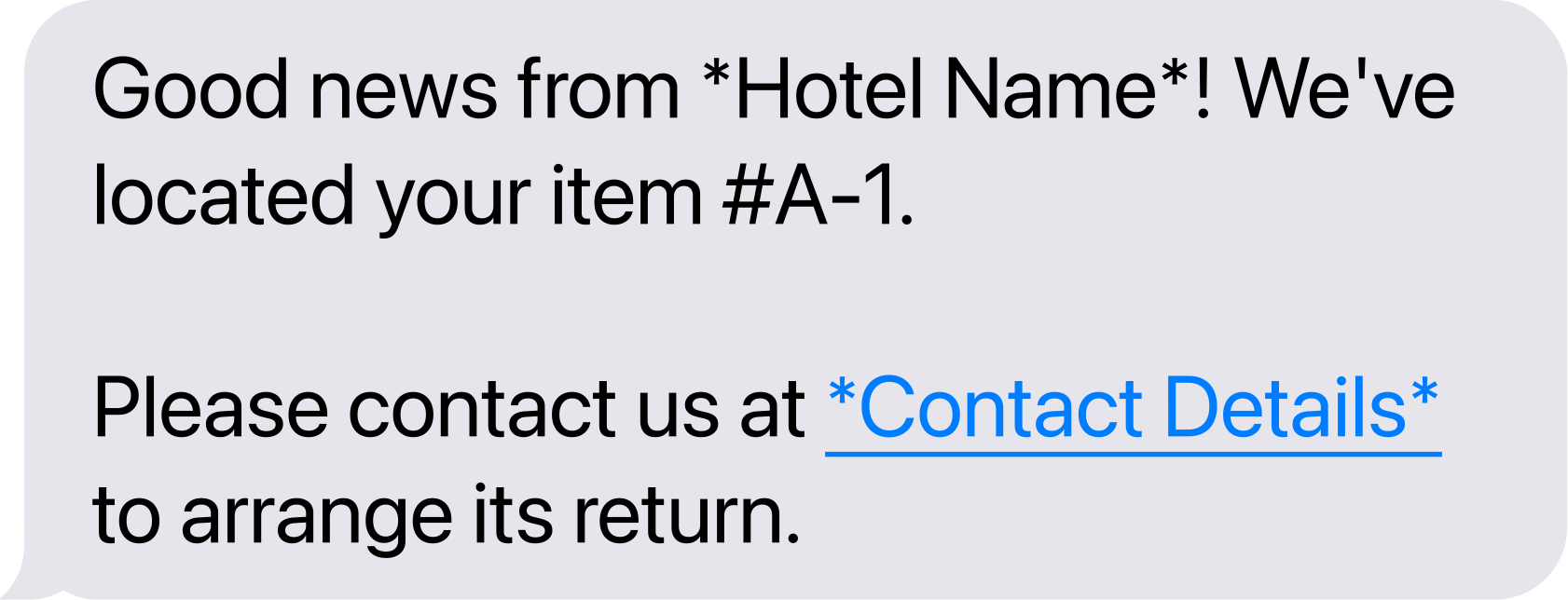
Found Items
Ready to upgrade your luggage room?
Book a demo and we will show you Neverleft running in your hotel, from the first check-in to the analytics behind it.