Transform one of the least profitable areas of your venue into a valuable source of guest insights for marketing.


How it works
Designed to maximise item security and operational efficiency.
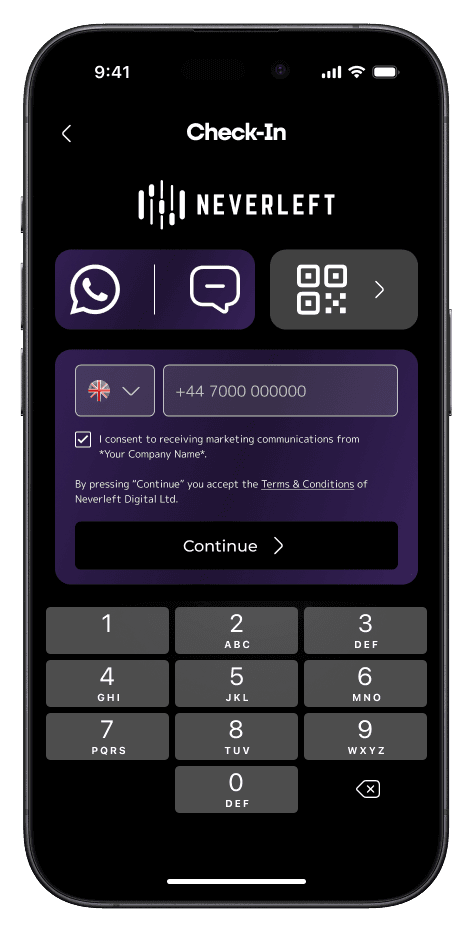
Enter the guest's mobile phone number.
Scan the Neverleft Tag you want to assign to the item.
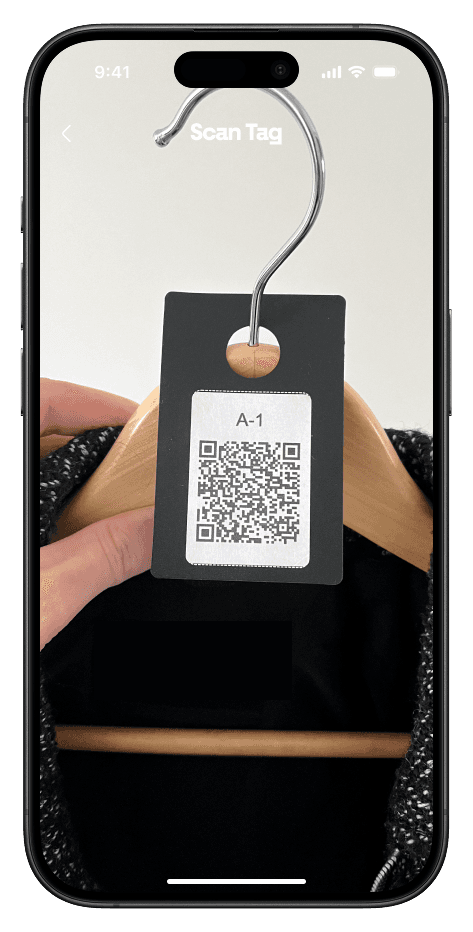
Take an in-app photo of the item and press "Use Photo".

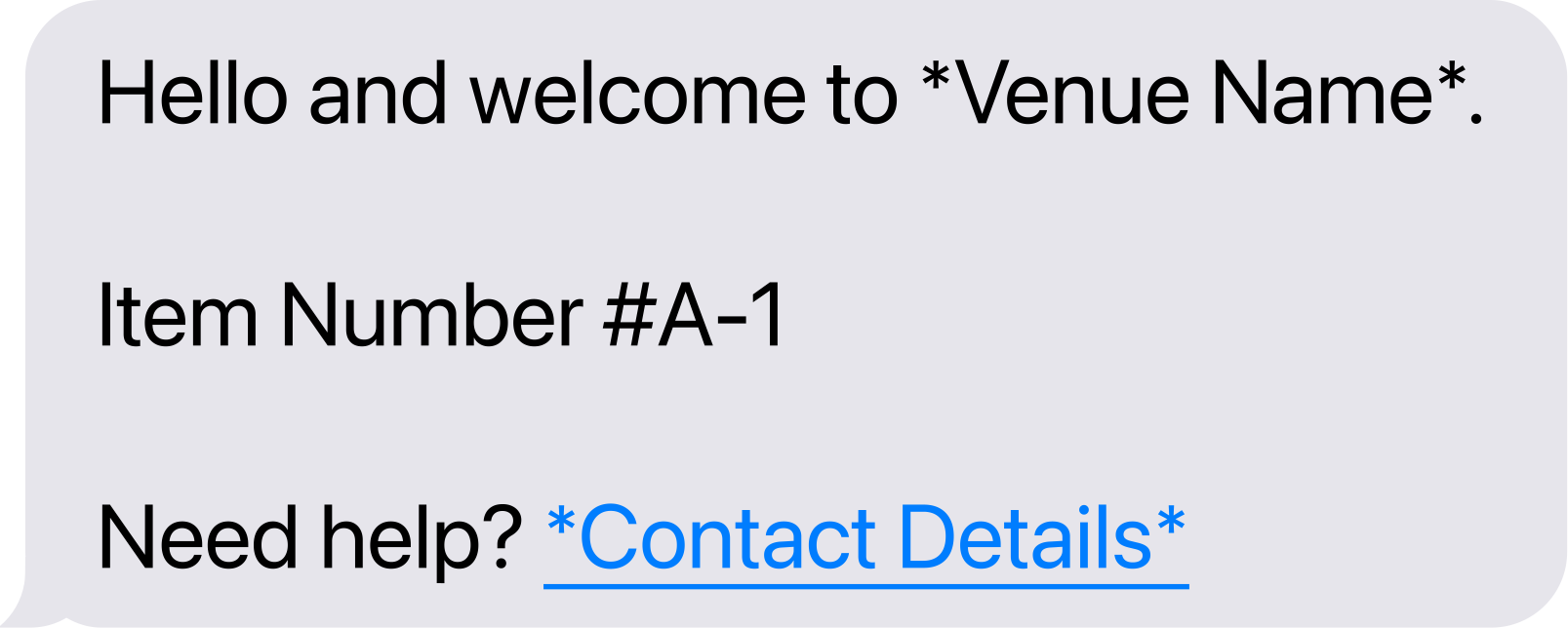
The guest will receive a text and/or a wallet pass.


To see more
Three storage headaches, solved
Cloakroom, luggage room and bike parking. One app, one workflow, and not a paper ticket in sight.
More than a place to store coats
Replace paper cloakroom tickets with texts and wallet passes, speed up check-in and check-out, and turn coat check into guest data and marketing reach.



Streamline your bell desk
Replace paper luggage tickets with texts and wallet passes, organise your store room down to the row, and retrieve any item in seconds.
Secure bike parking guests can trust
Give cyclists a secure spot for their bikes. Record each bike stored, send the owner a text or wallet pass, and hand it back in seconds. No paper stubs, no mix-ups.


One ecosystem, every kind of venue
From a Friday-night cloakroom to a five-star bell desk, Neverleft replaces paper tickets with texts and wallet passes, tailored to how your venue runs.
A seamless arrival and departure, every time
Streamline your luggage room and cloakroom, cut staffing pressure at peak times, and elevate the guest experience with branded texts and wallet passes.


Luggage Room & Cloakroom
From hotel bell desk to conferences and events operations, Neverleft can make your life easy everywhere.
Bespoke Layout
Organise your storage into defined alphanumeric sections, so items are easy to store and effortless to find.
Guest & Staff Analytics
Give your team live visibility into shifts and storage usage, so you can plan rotas and spot busy periods early.
Private Members' Clubs
Discreet, personal service your members expect
Recognise members by name, return coats and bags in seconds, and keep every touchpoint private and branded. Quiet, accurate data reveals your busiest nights and helps you convert guests to members.
Members Recognised
Members are recognised the moment they arrive, so every visit feels personal and effortlessly rewarded.

Fully White-Labeled
Make Neverleft your own with a white-labeled experience that carries your brand at every touchpoint.
Guest Data & Marketing
Convert guests into members with on-brand SMS and WhatsApp marketing. Neverleft the pays for itself
Arenas & Stadiums
Event days that flow, from arrival to departure
Secure bike parking, protected item storage, and Speed Check-in and Check-out at every queue, so your arena or stadium keeps moving on event days.
Item Storage & Item Log
Coats, bags and suitcases are checked in with photos, time stamps and status tracking, so every belonging is protected against theft or tampering.
Secure Bike Parking
Attendees drop-off their bikes safely on arrival. Every bike is logged and matched to its owner's phone, with a text replacing the paper claim ticket.

Speed Check-in & Check-out
Attendees add their details and save a wallet pass while they queue, and items are ready before they reach the front. Entry and exit never stall.
A white-labeled ecosystem that's 100% yours
Launch a fully branded Neverleft ecosystem with your logo, colours and identity across the app, wallet passes and tags. Your guests see you, not us.